Source: The Clintons ruined the name ‘Hillary’ for new parents – The Washington Post
What a pita. This is a great scanner (for 35mm photos even, which is why I am trying to get it going again).
It’s always been hard to get it going since Windows 7 on.
I haven’t tried this yet, because I have to walk downstairs and unplug the scanner (what a lazy bum)
Anyway I want to squirrel this hint away so I don’t lose it.
It’s from http://www.gollyjer.com/2010/12/installing-epson-perfection-2450.html by the way.
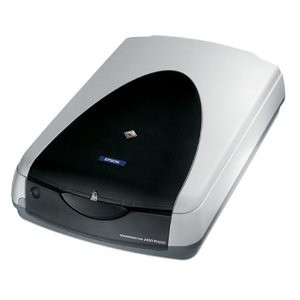 It was a major ordeal figuring out how to get this scanner, purchased in 2002, working in 64 bit Windows 7. It’s crazy, the thing is still available on Amazon after 8 years. It’s actually ranked #4 in Electronics > Camera & Photo > Printers & Scanners > Flatbed.
Epson provides a 32-bit driver on their site but not 64-bit. I’ve solved this problem before but it was a massive Google hunt. Next time I’ll have this blog post to look to! 🙂
The solution is pretty simple.
Done! The scanner should now show up under Imaging Devices.

Su Changs was no longer taking orders so we went back to Jades. They go by last four digits of phone number. They are always backed up and it’s usually an hour after they say when it is ready. We went walking in at 8PM when it was supposed to be ready and they were just brining out the bag with our phone number. SCORE. Got home and it was the wrong stuff, but it’s Chinese food right? Everything is good. So we ate. After we were done we got a phone call from Jades. They had two orders with the same last 4 digits of the phone number. The odds are a lot more than 2 in 10000. Add in all the Chinese restaurants and the odds that both families were going for Chinese food. Wow – a memorable New Year’s Eve. Also watched Taken 3 and Liam is BACK!!
Haha – happy new year all.
Only a weak feckless president, a secretary of state that is bereft of any balls an inept congress could lead to such a situation. We’ve hit the trifecta. I am hoping for this situation to lead to a groundswell of protest that will sweep out the deadwood and replace them with people who know what they are doing. We are the USA for Chrissakes, we have to be able to do better than this before it is really too late.
These sand dweebs think they are powerful…because nobody with real power is standing up to them and destroying them.
http://www.mirror.co.uk/news/world-news/isis-release-sickening-new-video-6995563
Hilbert was a class act for crediting Einstein with the theory.

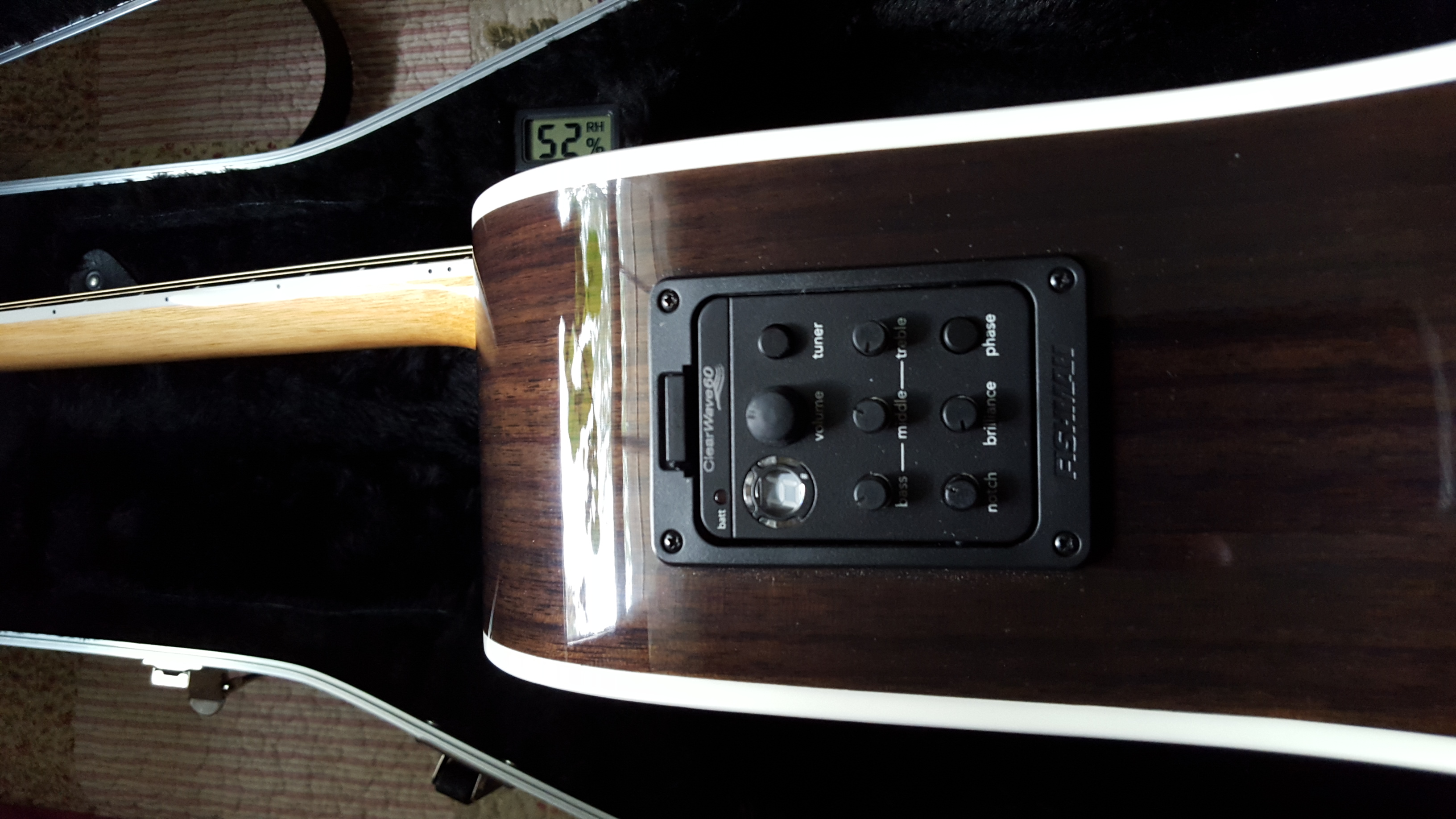
It’s a Zager (In the year 2525) – my bucket list acoustic guitar.
Rudy being a good boy. All good dogs go to heaven.