
Category: Music
Video for Killing Me Softly
Performed, recorded and produced at Baselines Designs Studio. Elizabeth Darcel on vocals, Bill Farr adds some acoustic guitar.
Dancing in the Moonlight
An old King Harvest cover. Performed, recorded, mixed and mastered at Baselines Designs studio. Video done by Megan Smith on Youtube.
A Minuet To Three – New Song
This is a new song completed Jan. 19, 2022. My wonderful family gave me a new piano for Christmas and this is the first song composed on it. Thank you!

New album released – Cover Story
An album of my versions of some great cover songs. I had help from several people on this. Most notably, Chrysalynn Calder, Doug Cross, Dave Overland, Darren Garrett and Elizabeth Darcel.
East St. Louis Toodle-oo
Great old Duke Ellington song redone by Steely Dan on their Pretzel Logic album, and now redone by me for my upcoming Cover Story album. The tune is accompanied by some great Buster Keaton moments.
Released..New Album, The Instrumentalist
Finally – after a few months of diligent work the album is now available on BandCamp. Soon to be on all of the major streaming services.
You can get it here!
A nice audio file size calculator 12/19/2021
Driving Sun
This is another release from the album ‘The Instrumentalist’ – the song is completely remastered with some new tracks added.
Flame of Addiction
Re-built from the ground up for The Instrumentalist album.

Good Night, Chet – Re-record – Remix
Updated to make this more on-point.

Dream a New Life – from ‘The Instrumentalist’ album
This is a revamped pumped up version of a previous release, Dream a Life, to be included on the new album The Instrumentalist.

Please Saint Peter- A new release from Baselines Designs Studio
Here’s a new song called Please Saint Peter. It’s my look into the future for when the bill comes due. Written, Performed and Produced by Steve Keith.

String Theory – The 9th song on the new album The Instrumentalist
This song is an interpretation of the whole String Theory idea, pretty much just made up from what I have read. The video is from various sources on line and the music was written, performed and produced by Steve Keith at Baselines Designs studio.
Glade Warrior – the 8th release from the new album, The Instrumentalist
Written, performed and produced by Steve Keith at Baselines Designs Studio.
Last Stand – the 7th release from the new album, The Instrumentalist
Music written, performed and produced by Steve Keith at Baselines Designs studio. This is a song about fighting back sometimes against incredible odds no matter what part of the animal kingdom you belong to.
Fighting Entropy – The 4th song on my new album ‘The Instrumentalist’
This is a song written, preformed and produced by Steve Keith.
Fighting Entropy – Every Day – and Losing.
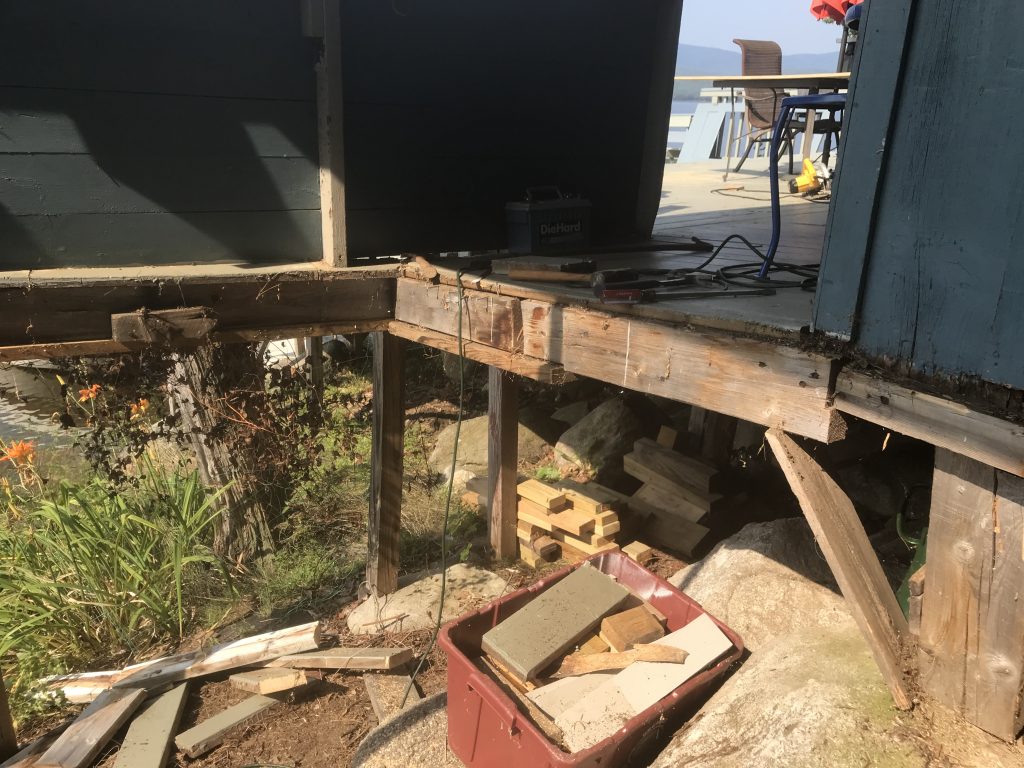
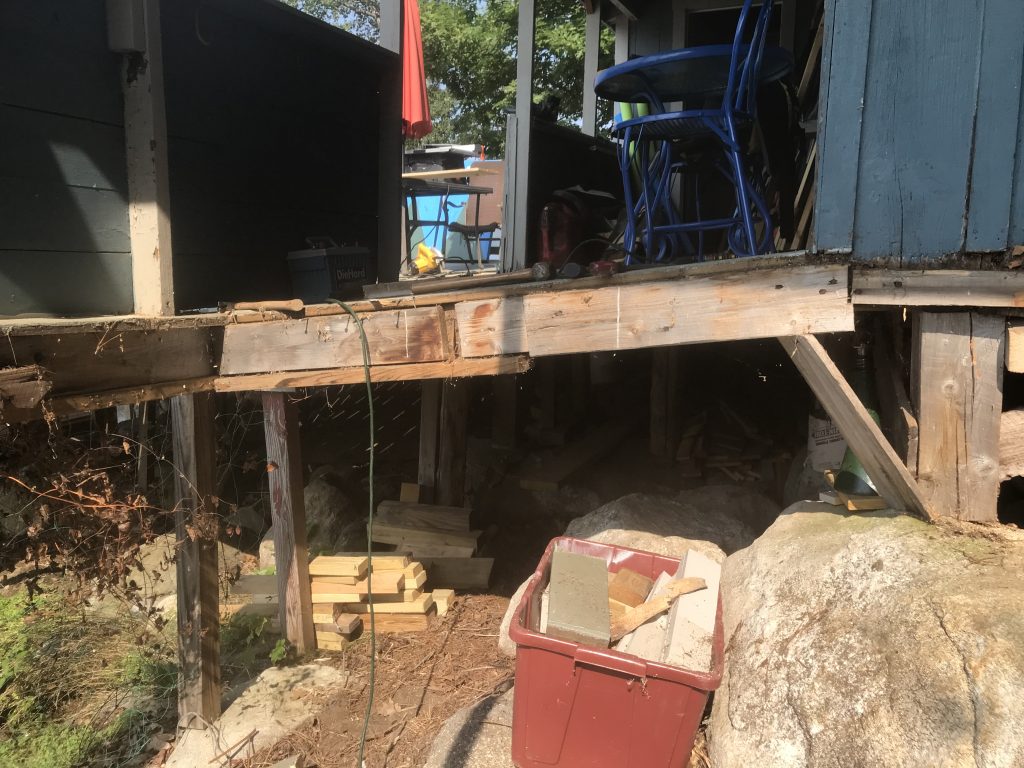
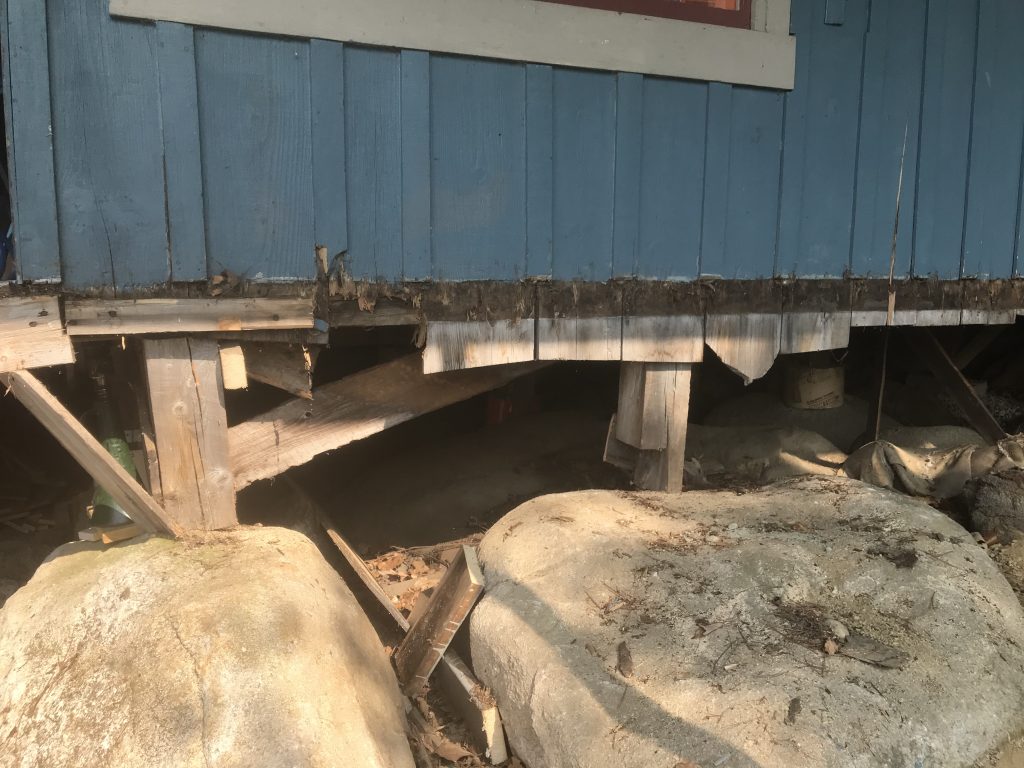
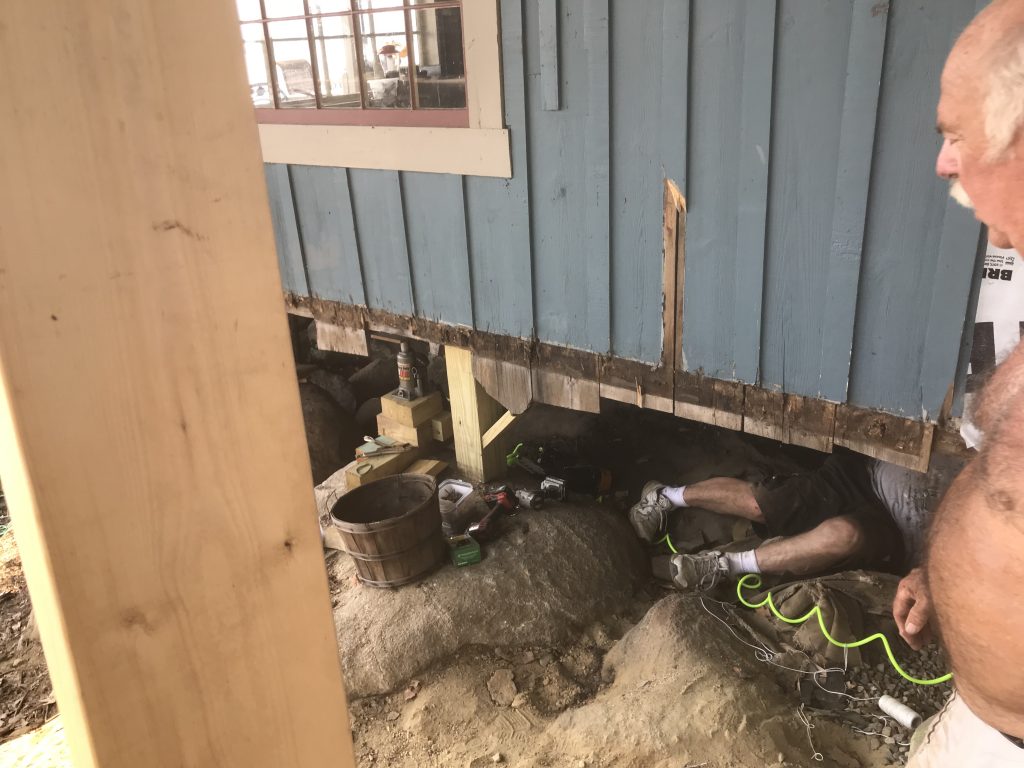
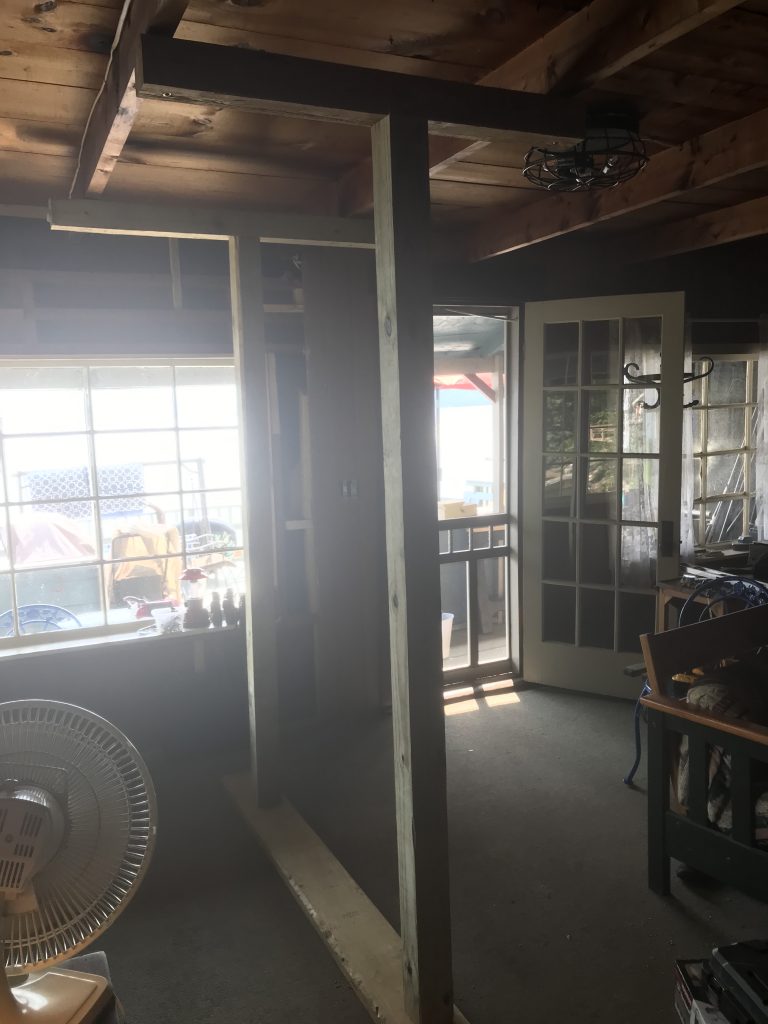
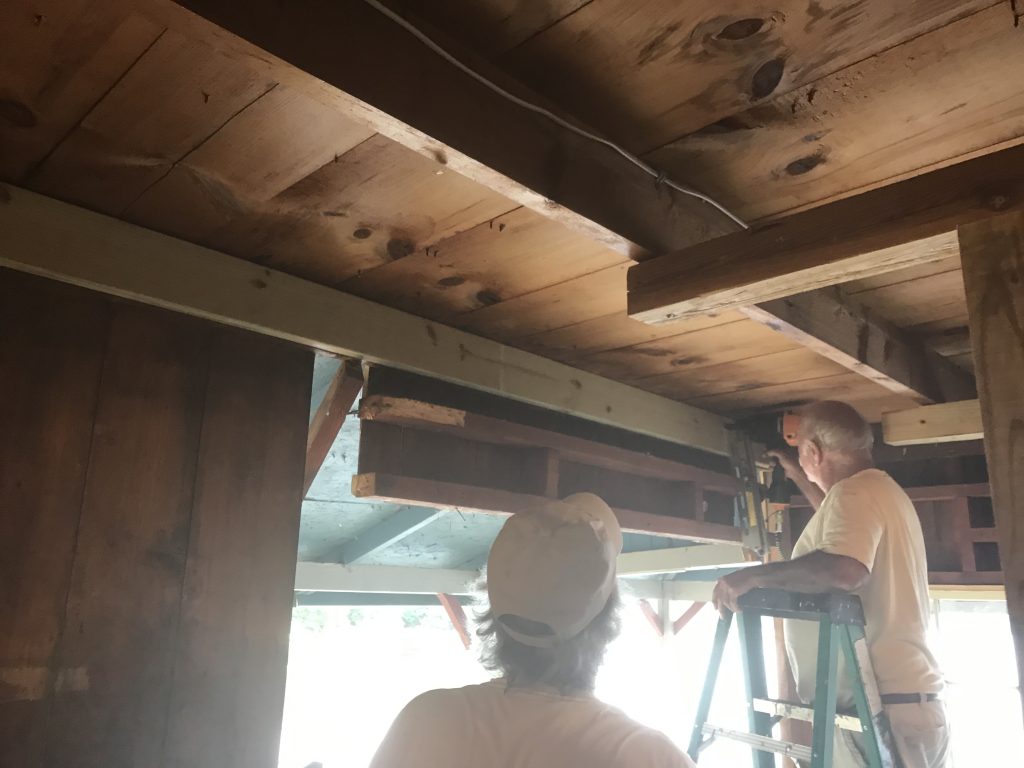
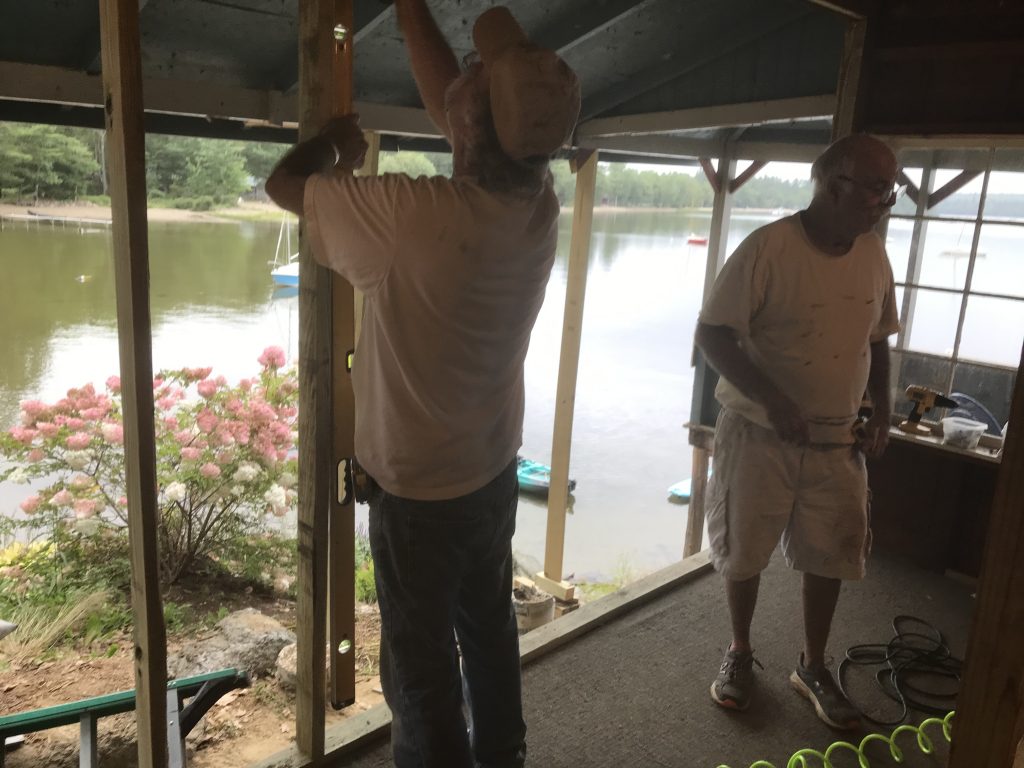
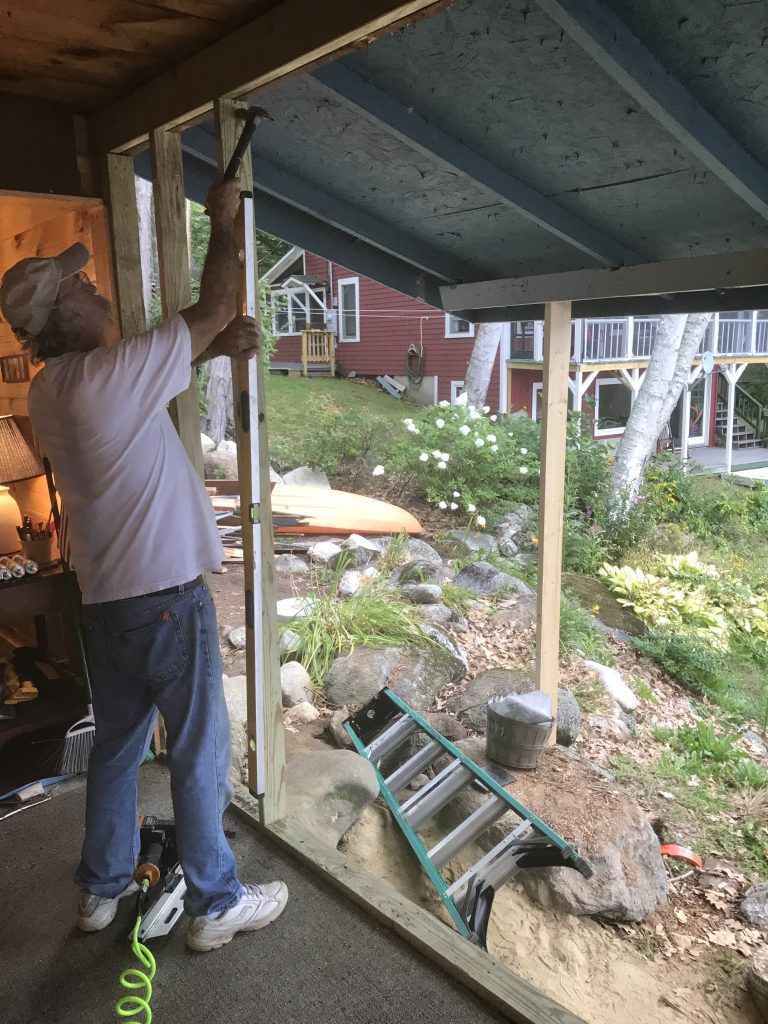
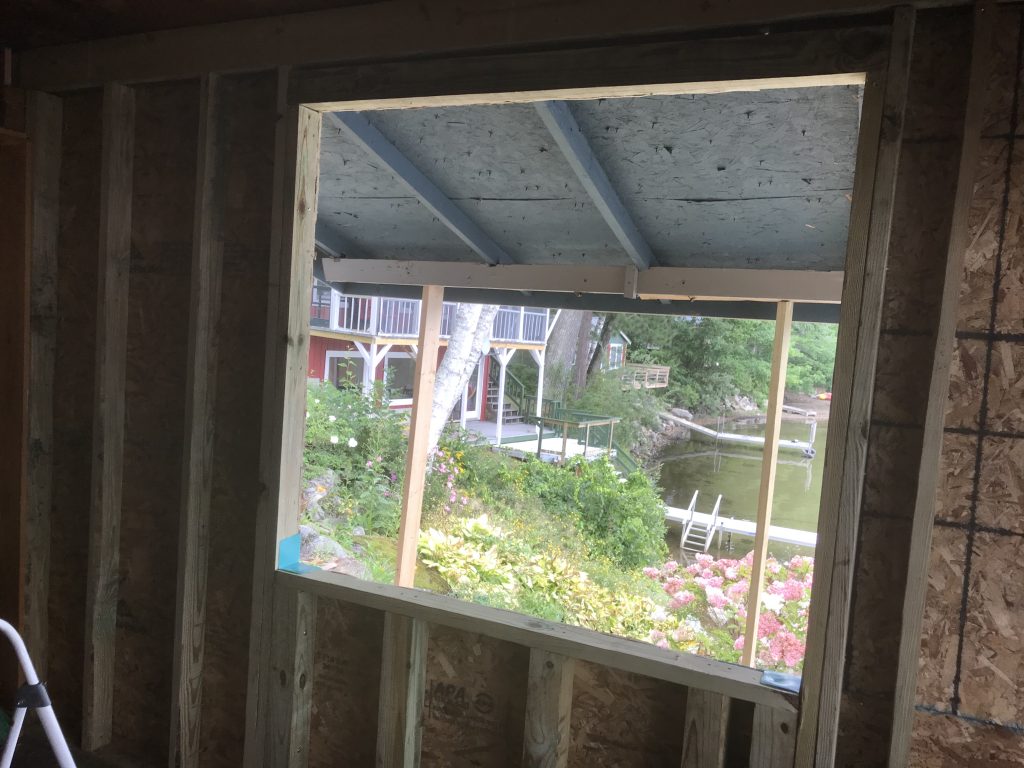
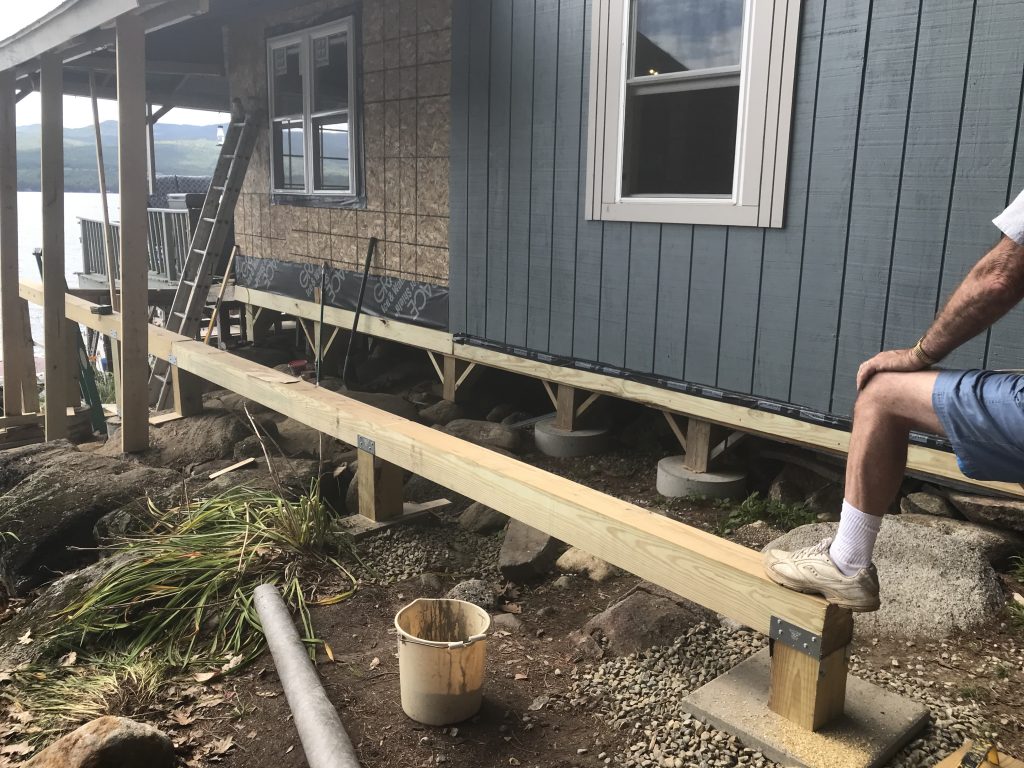
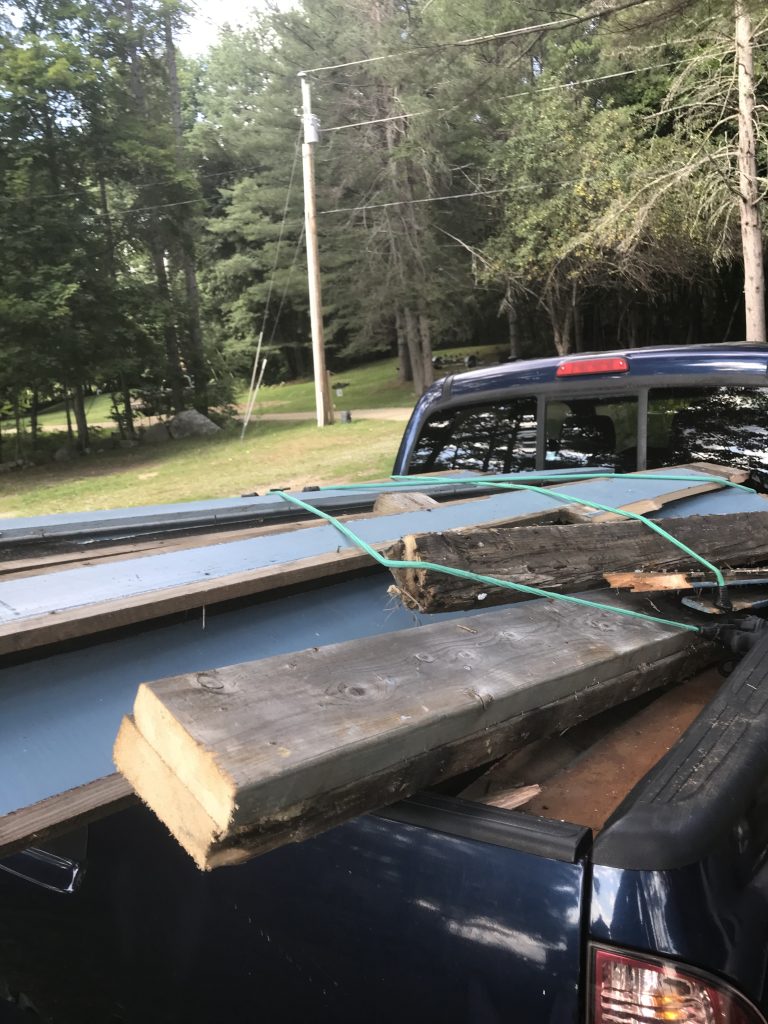
Picture Gallery from Maine Deck and Window Project August 2021


















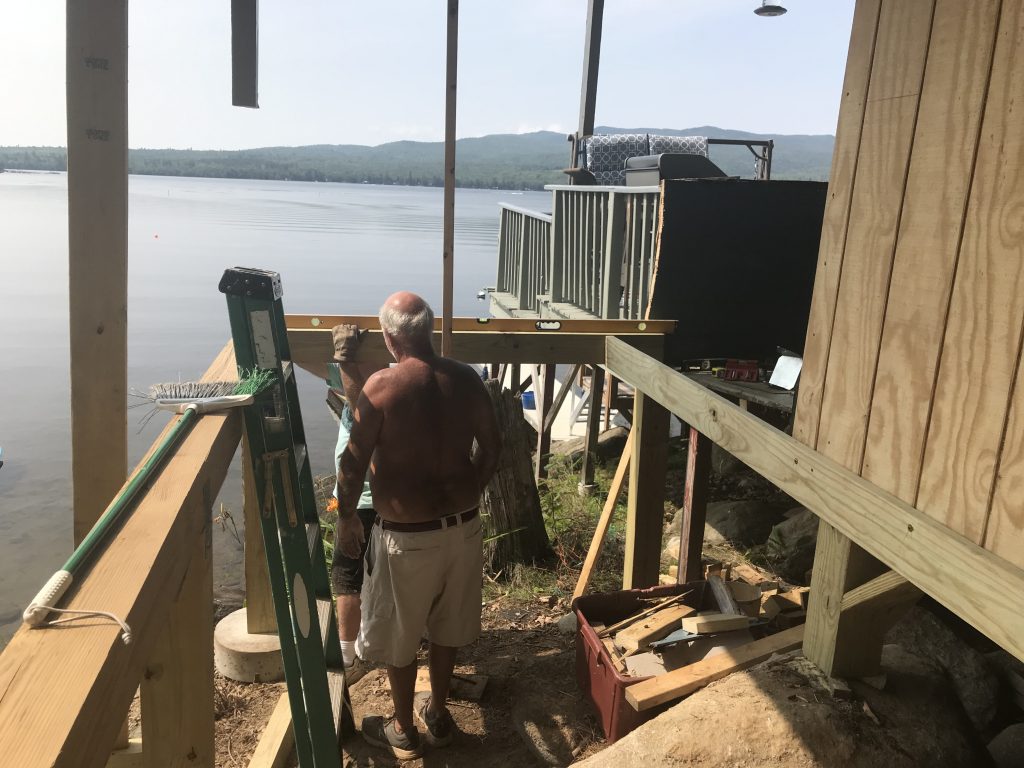
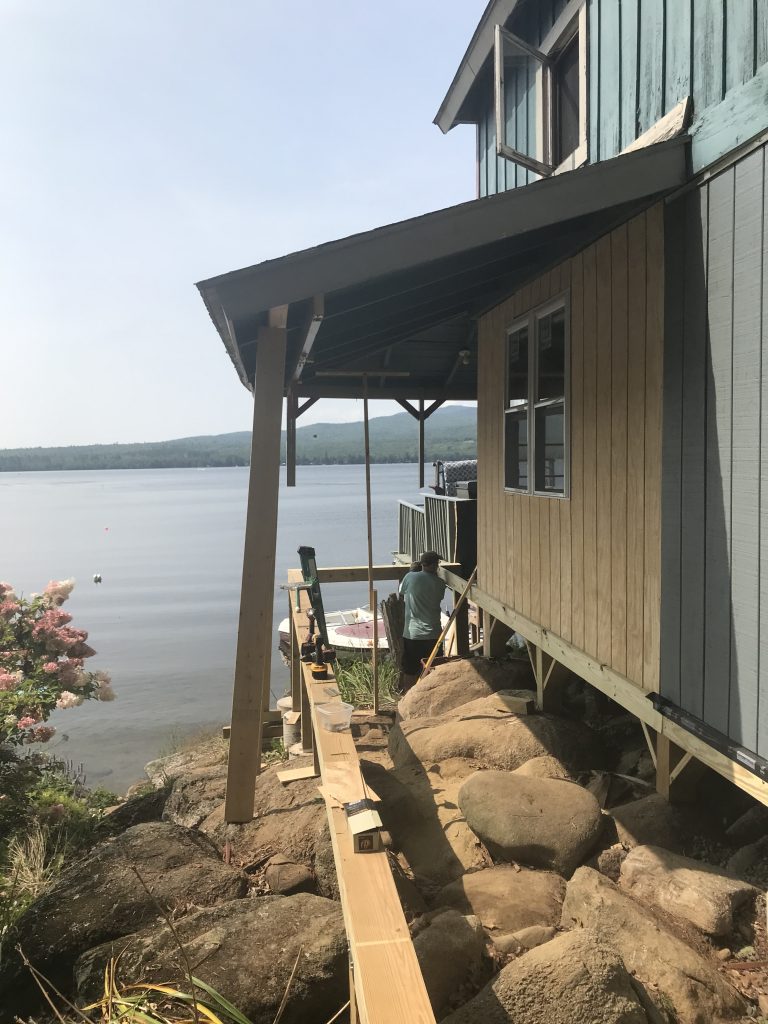


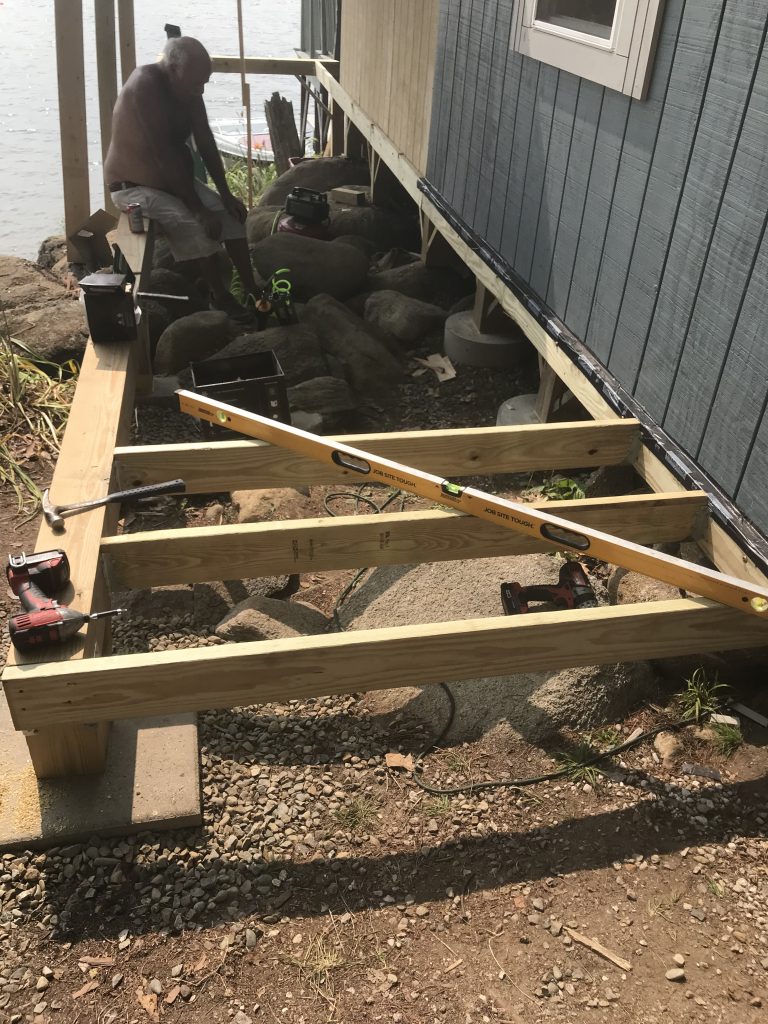


Track 3 of the new album The Instrumentalist: Foreverland
This song is made up of some live tracks and also some loops. The video tries to portray the feeling of the song with a bunch of still images.
Track 2 of the new album ‘The Instrumentalist’
Here is song 2 side 1 from my new album due out shortly. This song is called Bounce. I’m a proponent of the big bounce theory and this video and song are about that.
Here is a link to the audio if you don’t want to watch the video.
First Release from the new album, The Instrumentalist
This song, ‘Shine, Shine’ was written back a few years ago and refined several times. I played all the instruments and programmed the ones I don’t know how to play (horns). I always was proud of the way this song came out. This will be the first cut on my new instrumental album.

Here’s a video that goes with this song.
Update Rudy Video for 2021
I worked on the song, completely revising it with new guitars and bass. It was a blast looking at this old video of our dog Rudy through the years. He’s now 10 and still acts like a pup, albeit a little slower and one tooth less.
Horse Latitudes – New Album – Listen and Buy!
New Release by Steve Keith, former Bassist for Private Lightning
Good Night, Chet – A quick trip through time.
I wrote and performed this music. The video clips are things I found around the Internet.
Robin and Babies
My son helped me set up his video server at home and connect it to use my phone as a camera.
In my back yard, a robin built a nest under my picnic table. I set up the phone to capture the videos that you can see below.
I included my version of Blackbird as the music accompaniment. It wasn’t long enough, so I added in a reversed section in the middle to space it out.
You can see close to the end that one of the robins was none too happy with the phone capturing his actions. He gives it the evil eye and then flies into it.
Because
This is my version of the song Because from the Beatles Abbey Road album. It is accompanied by some pictures from the Abbey Road sessions. I play the instruments and do some vocal work on this. @kiwichrys helps out on vocals.
For No One
This is a Beatles song from the Revolver album. Dave Overland (@eipi) on vocals. I do the rest.

Crush
This is an original composition, classical in nature. You can build your own story based on your thoughts while listening.

What’s Love Got To Do With It
A cover of a great old song from the 80’s. @therealmadamez on vocals, @turbomaus on guitars. I did the other bits. Originally by Tina Turner released in 1984 from her 5th album Private Dancer. It became her most successful single.

Accidentally Like A Martyr
A cover of a song from the third album by Warren Zevon (Excitable Boy) released in 1978.

Song of the Kite
This is from the Private Lightning album released in the early 80s. I play bass on this. The picture is three band members on top of the volcano on the island of Montserrat where we recorded.

Made of Glass
A new release by Without Focus. Dave Overland wrote and sings. Robert Foy on Keys, Mike ‘Smokey Toobz’ on Guitars. I’m on Bass, drums and production.

Bright City
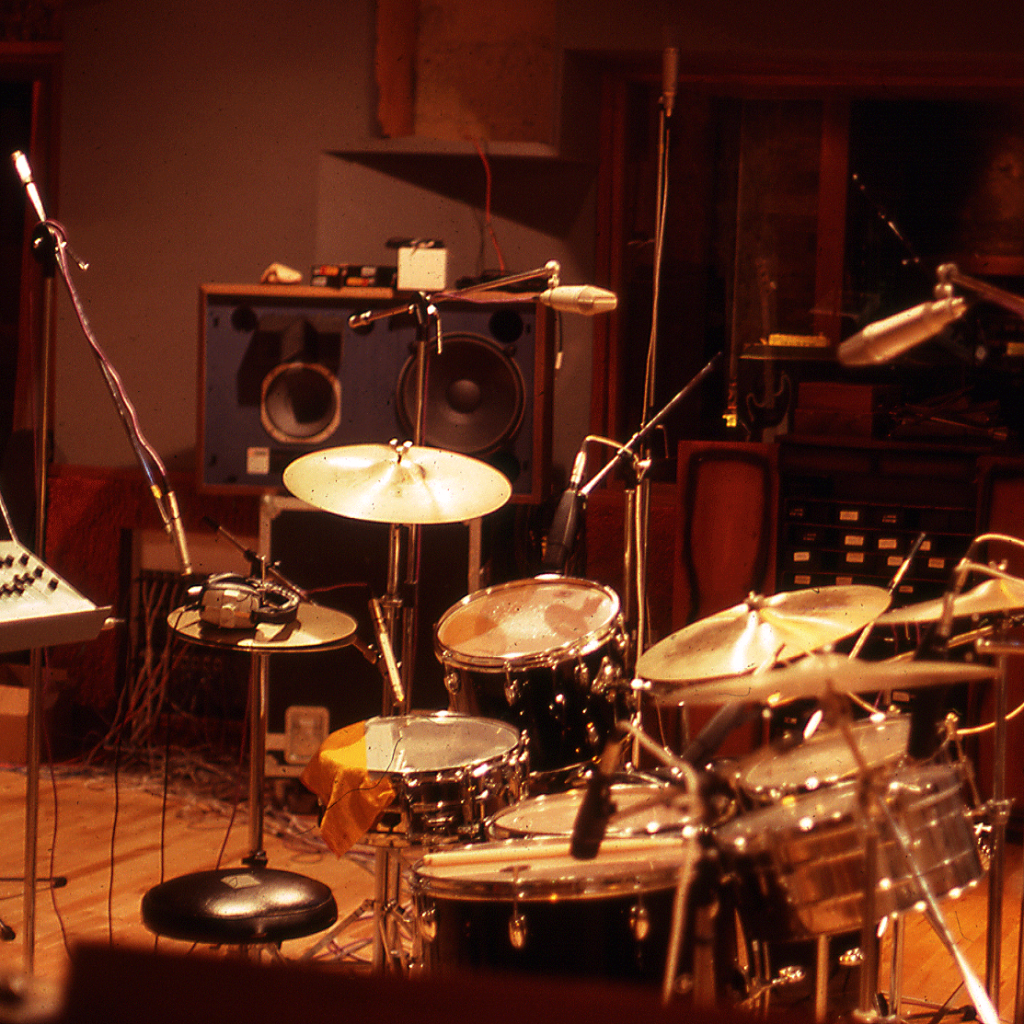
Another Private Lightning song – I’m on bass guitar. The picture is the drum setup in the studio that was used on this song and the rest of the album. Recorded at AIR studios in Montserrat (before it was destroyed by a hurricane).

Cultists of True Fun
Another song from the Private Lightning album.
Side of the Angels
From the eponymous Private Lightning album from 1980 = remastered to correct the horrendous mastering job when transferring to vinyl.

Thriller
Another track from the Private Lightning album. Thriller is cut three. I finally got tired of listening to all of the problems caused in the production of this album. Here is a much better version.

Physical Speed
Here’s an update to the Private Lightning song Physical Speed. I’m trying to fix the bad things that happened to this album. This is the first of many posts.

Devil’s Radio
This is a George Harrison song from his Cloud 9 album in 1987. @mojoespage from Bandlab asked me to sing and play the piano on it – everything else is his work.

Enchanted Glasses Reviewed on the Radio
New Album Release by Fiona Lunney – Produced at Baselines Designs Studio
Fiona’s new album was produced right here at Baselines Designs Studio. Get in touch with us for all your sound production needs.
Check out the new album, ‘I Gave You My Heart’ on Spotify or all the other major outlets.
Fiona is also a member of the vocal group The Treblettes who perform throughout the Melbourne area.
Vector Cross Product Formula Derivation
 Loading…
 Reload document
 Open in new tab
 West of Eden – 2020
This is a song that developed from a keyboard pounding session at 3 in the morning when I was in my 20s and fairly inebriated. Fortunately I pressed record on the old cassette player. I found it years later and have been developing it further ever since.
I wanted to make it about a serial killer, how he developed into such. This was based on a book I read back then called By Reason of Insanity. The main character, Thomas Bishop, thought that Caryl Chessman was his real dad because his mom got raped up on lover’s lane.
Anyway, I never got around to writing the lyrics. I tried, but they just wouldn’t come. Maybe I will try again at some time.
But for now, here it is.

Music Theory: Exploring The 432Hz Tuning Debate : Ask.Audio
Source: Music Theory: Exploring The 432Hz Tuning Debate : Ask.Audio
UPDATE:
Here’s how 440 mixed with 432 looks:

And here’s how it sounds:
Cracks in the Wall – A new release by Without Focus
Latest track from Without Focus @eipi wrote this one , sings and plays acoustic, I did bass drums and production, @rabbitwithmachinegun keys, @smokeytoobz lead guitar – from an original idea by @hawkcobo

A Dark History
Another great song by @therealmadamez and @the_m_project – I played bass on this one and the fab @backontrack added a stinging lead. Thanks all for letting me play. Mastered at Baselines Designs www.baselines.com

Cover of California Dreamin’ by the Mamas and the Papas.
Classic Mamas and Papas track from 1965. @filun and @thetreblettes handle the vocals.

How to set up a tempo map to a track
I posted this content onto the Cakewalk blog after I saw a question about it – thought I should make it available to anyone who might be interested.
This demonstrates Cakewalk’s ability to determine a tempo map from an existing track. (It usually does an OK job but most of the time needs edits. It’s a somewhat tedious process but pays off in the long run. Once you get used to it, it goes pretty quickly. So without any further ado, here are the steps I use.
– Get a recording of a song you may like to cover. mp3,wav,whatever can be imported into Cakewalk. Select a track and do a File->Import.
– Once the track is in Cakewalk, check out the start of the file, cut out anything at the beginning that is before the song actually starts. In this image I am about to delete the quiet part and move the rest of the track over to the left to the zero position.
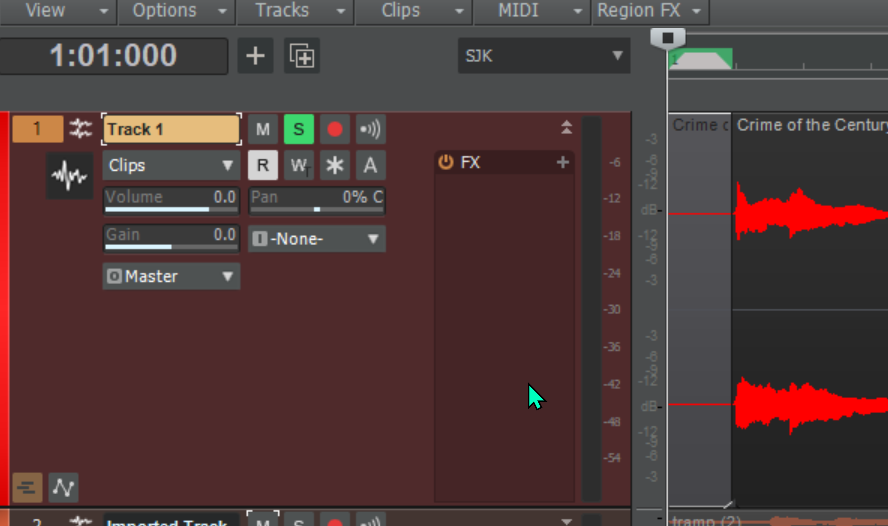
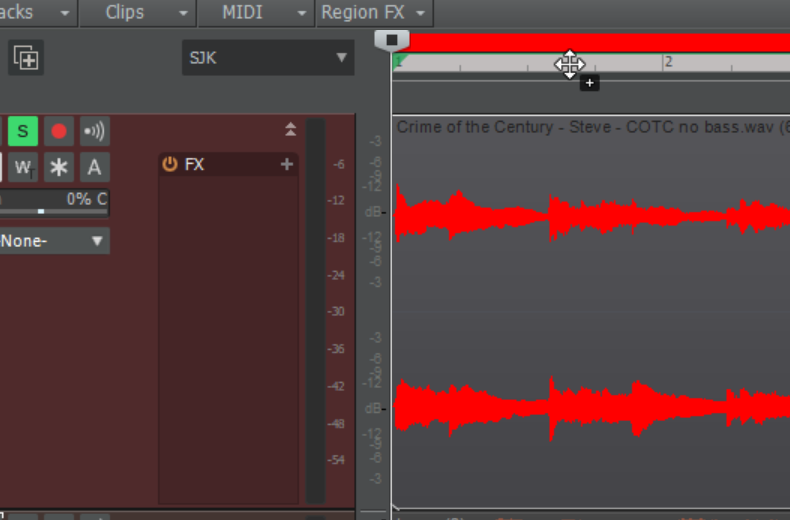
Now if you select the track and hold down the shift key and the left mouse button while dragging up to the topmost bar (it will change color when you have done it), then release, Cakewalk will calculate the tempo map from the file. It may take a while to complete. Often it is not perfect. You can go into the tempo map to edit it as much as you want. This is the time consuming part, but it is worth it if you want to record and line up other tracks with it.
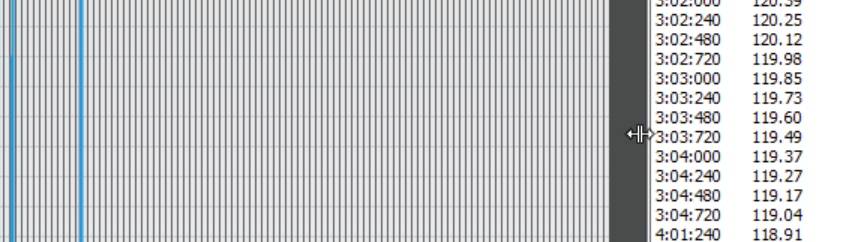
Click on Views->Tempo to open up a graphic of the tempo map. Then you can use the mouse to move the numbers pane to the right and expose the chart.
You can use the + and – horizontal and vertical magnifying glasses to size the chart appropriately. Beats per minute is to the left.
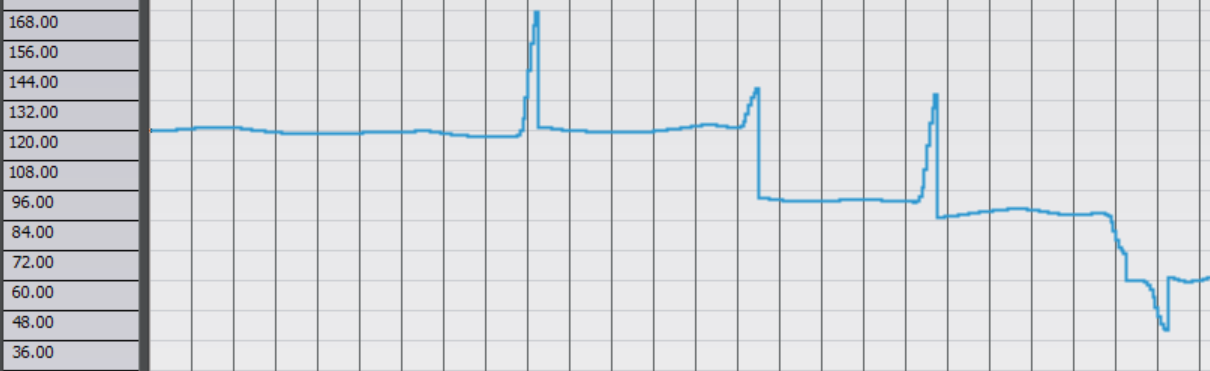
This is where the time consuming part comes in. I turn on the metronome and look at the audio waveform to find out where the major beats are. Here the audio is slightly after the beat.
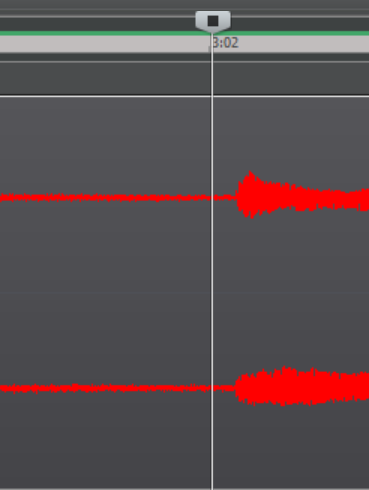
To correct something like this, you can actually hold the mouse button down and pull the tempo map line down before the cursor.
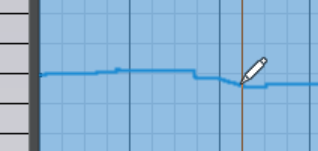

Like I say, it takes some time to get it right, but if you do it a few times, you get used to it. Once you adjust it, you can use all of the midi tools to line things up close to the grid for any other midi tracks you will add, and you can also adjust the audio on any tracks where needed.
Under African Skies
This is my cover of a great Paul Simon song from his 1986 album Graceland. It was the fifth single released. I was completely surprised that I didn’t know (until now) that it was Linda Ronstadt singing the female harmony. On my version, @kiwichrys from Bandlab does the honors.

Melodyne Snapshot
I am not sure if this is new in Melodyne or whether Cakewalk now imports more information.
From what I can remember I have never had access to the frequency bar graph except when using Melodyne Studio as a standalone.
This snapshot is of an instance of Melodyne applied to a clip.
You can see the bar graph at the bottom. You can select frequency ranges and boost or lower them. Here I select some high frequencies and anticipate boosting them a little. You can listen to the differences in real time and watch the frequency components bounce up and down.

Without Focus – Radio Interview
This is an English radio station – here are some details. Dave Overland talks about Without Focus. https://www.facebook.com/112129290440054/posts/wwwweirfmcouk-saturday-kicking-off-at-1800-with-adam-francis-the-theme-show-from/161476968838619/